Compose Multiplatform for desktop loads images from the multiplatform resources library, just like other platforms. Desktop applications can also read images from the file system or the network with JVM APIs and use images as window and tray icons.
The examples on this page use the Kotlin and the Compose Multiplatform logos. Both logos are available as a part of the Kotlin Brand Assets package.
Displaying images from resources
To show an image packed with your application, add it to the multiplatform resources of your project and build the project to generate the resource accessors. Create a Painter instance by passing the accessor to painterResource(), and pass the resulting Painter to the Image() composable:
painterResource() supports rasterized image formats, such as .png, .jpg, .bmp, and .webp, as well as the Android XML vector drawable format. For details on accessing resources as ImageBitmap or ImageVector values and on using icons, fonts, and strings, see Using multiplatform resources in your app.
Loading images from the file system or the network
Images that aren't part of the application (files chosen by the user or downloaded at runtime) are not resources. Read their bytes with any JVM API and decode them with one of the following functions of the resources library:
Image format
Decoding function
Result
Bitmap
decodeToImageBitmap()
ImageBitmap
XML vector
decodeToImageVector()
ImageVector
SVG
decodeToSvgPainter()
Painter
Reading a file or a network response blocks the calling thread, so always perform these operations outside the UI thread.
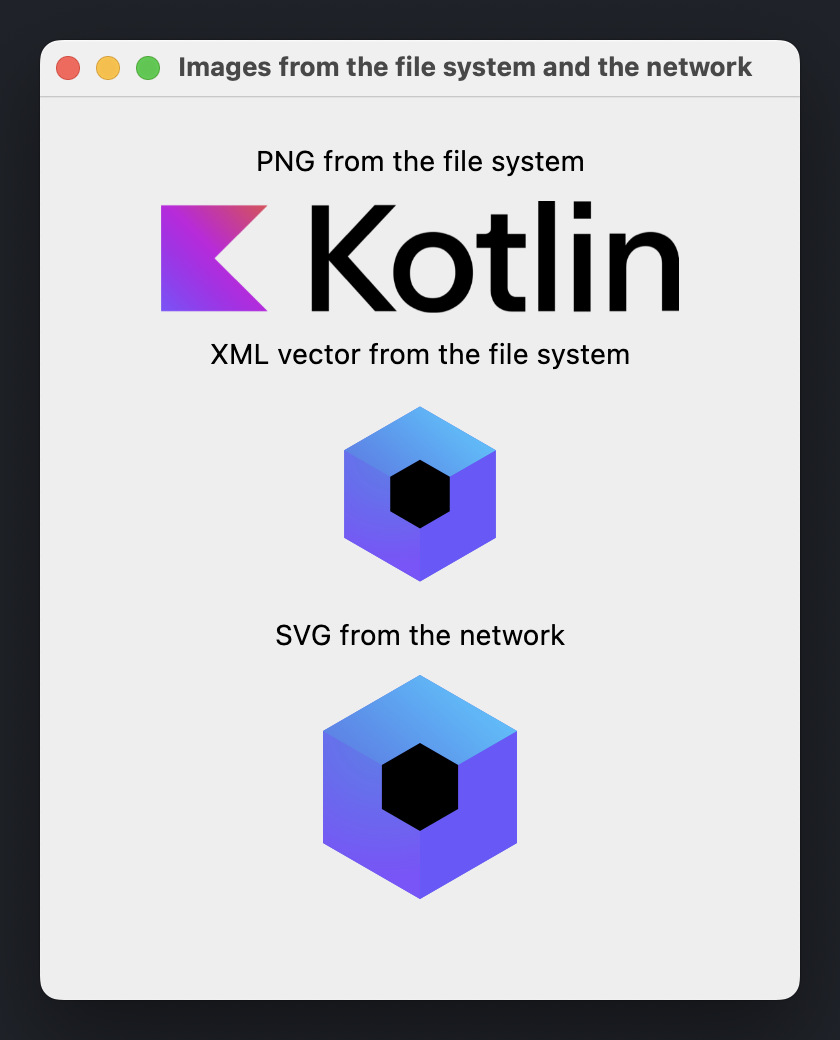
The following example declares an AsyncImage() composable that loads an image in the Dispatchers.IO context and shows the image when it's ready:
import androidx.compose.foundation.Image
import androidx.compose.foundation.layout.Arrangement
import androidx.compose.foundation.layout.Column
import androidx.compose.foundation.layout.fillMaxSize
import androidx.compose.foundation.layout.padding
import androidx.compose.foundation.layout.width
import androidx.compose.material.Text
import androidx.compose.runtime.Composable
import androidx.compose.runtime.getValue
import androidx.compose.runtime.produceState
import androidx.compose.runtime.remember
import androidx.compose.ui.Alignment
import androidx.compose.ui.Modifier
import androidx.compose.ui.graphics.painter.BitmapPainter
import androidx.compose.ui.graphics.painter.Painter
import androidx.compose.ui.graphics.vector.rememberVectorPainter
import androidx.compose.ui.layout.ContentScale
import androidx.compose.ui.platform.LocalDensity
import androidx.compose.ui.unit.DpSize
import androidx.compose.ui.unit.dp
import androidx.compose.ui.window.Window
import androidx.compose.ui.window.WindowState
import androidx.compose.ui.window.application
import kotlinx.coroutines.Dispatchers
import kotlinx.coroutines.withContext
import org.jetbrains.compose.resources.decodeToImageBitmap
import org.jetbrains.compose.resources.decodeToImageVector
import org.jetbrains.compose.resources.decodeToSvgPainter
import java.io.File
import java.io.IOException
import java.net.URI
fun main() = application {
val density = LocalDensity.current
Window(
onCloseRequest = ::exitApplication,
title = "Images from the file system and the network",
state = WindowState(size = DpSize(380.dp, 480.dp))
) {
Column(
modifier = Modifier.fillMaxSize().padding(24.dp),
verticalArrangement = Arrangement.spacedBy(12.dp),
horizontalAlignment = Alignment.CenterHorizontally
) {
Text("PNG from the file system")
AsyncImage(
load = { File("kotlin-logo.png").readBytes().decodeToImageBitmap() },
painterFor = { remember { BitmapPainter(it) } },
contentDescription = "Kotlin logo",
modifier = Modifier.width(260.dp)
)
Text("XML vector from the file system")
AsyncImage(
load = { File("compose-logo.xml").readBytes().decodeToImageVector(density) },
painterFor = { rememberVectorPainter(it) },
contentDescription = "Compose Multiplatform logo",
contentScale = ContentScale.FillWidth,
modifier = Modifier.width(100.dp)
)
Text("SVG from the network")
AsyncImage(
load = { loadBytes(COMPOSE_LOGO_URL).decodeToSvgPainter(density) },
painterFor = { it },
contentDescription = "Compose Multiplatform logo",
contentScale = ContentScale.FillWidth,
modifier = Modifier.width(100.dp)
)
}
}
}
private const val COMPOSE_LOGO_URL =
"https://github.com/JetBrains/compose-multiplatform/raw/master/artwork/compose-logo.svg"
fun loadBytes(url: String): ByteArray =
URI(url).toURL().openStream().use { it.readBytes() }
@Composable
fun <T> AsyncImage(
load: suspend () -> T,
painterFor: @Composable (T) -> Painter,
contentDescription: String,
modifier: Modifier = Modifier,
contentScale: ContentScale = ContentScale.Fit
) {
val image: T? by produceState<T?>(null) {
value = withContext(Dispatchers.IO) {
try {
load()
} catch (e: IOException) {
// Instead of printing to the console, you can log the error
// or show a placeholder image.
e.printStackTrace()
null
}
}
}
if (image != null) {
Image(
painter = painterFor(image!!),
contentDescription = contentDescription,
contentScale = contentScale,
modifier = modifier
)
}
}
File paths in the example are resolved against the working directory of the application.
Setting the window icon
To use an image as the window icon, pass a Painter instance to the Window() composable as the icon parameter:
The icon's location depends on the operating system:
On Windows and Linux, it's the icon of the window and of its taskbar entry.
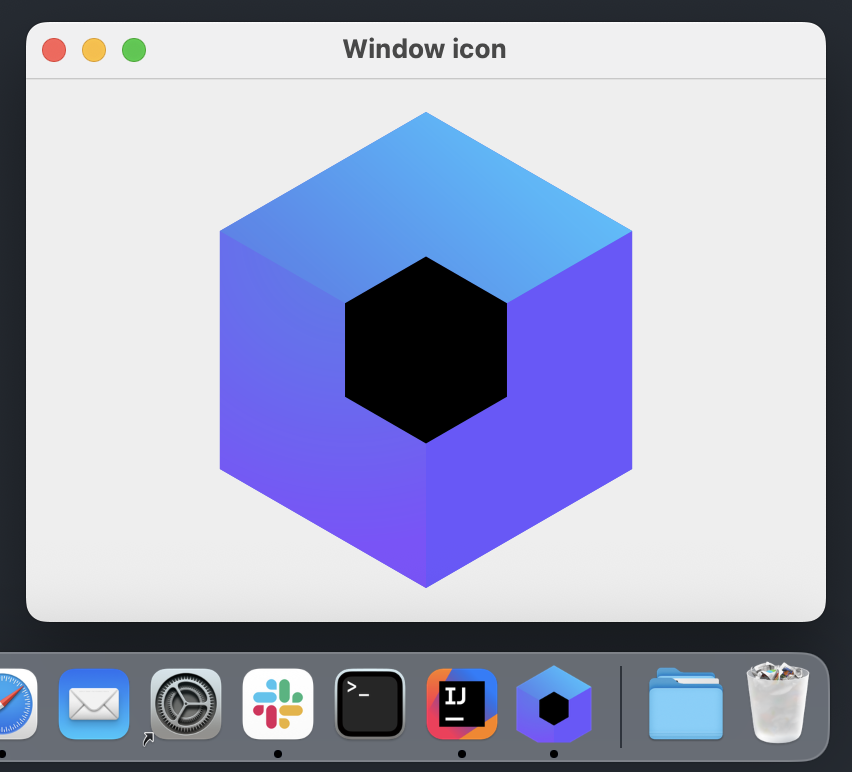
On macOS, the application icon comes from the application bundle. To change the icon in the Dock, set it in the distribution configuration.
The following screenshot shows a packaged application on macOS. The window displays the same image that is passed to the icon parameter, while the Dock icon comes from the .icns file declared in the distribution configuration:
Single-window application icon
The singleWindowApplication() function evaluates its icon parameter outside composition, where painterResource() isn't available. Instead, read the resource with Res.readBytes(), which takes a file path inside the composeResources directory, and decode it into a BitmapPainter:
import androidx.compose.material.Text
import androidx.compose.ui.graphics.painter.BitmapPainter
import androidx.compose.ui.window.singleWindowApplication
import kotlinx.coroutines.runBlocking
import org.jetbrains.compose.resources.decodeToImageBitmap
import com.example.composeapp.generated.resources.Res
fun main() {
val iconBytes = runBlocking { Res.readBytes("drawable/kotlin-logo.png") }
val icon = BitmapPainter(iconBytes.decodeToImageBitmap())
singleWindowApplication(icon = icon, title = "Single window icon") {
Text("Hello, World!")
}
}
Setting the tray icon
To use an image as the tray icon, pass a Painter instance to the Tray() composable as the icon parameter: