Get started
GitHub logo
Compose Multiplatform logo

Compose
Multiplatform

Build beautiful shared UIs for Android, iOS, desktop, and web that feel natural on every platform.

Get started
Android skills. Every platform.
Use your Jetpack Compose skills across platforms.
Compose Multiplatform supports familiar APIs like state management, layout, and animations as well as Material components, making it easy to bring your Android architecture to other platforms.
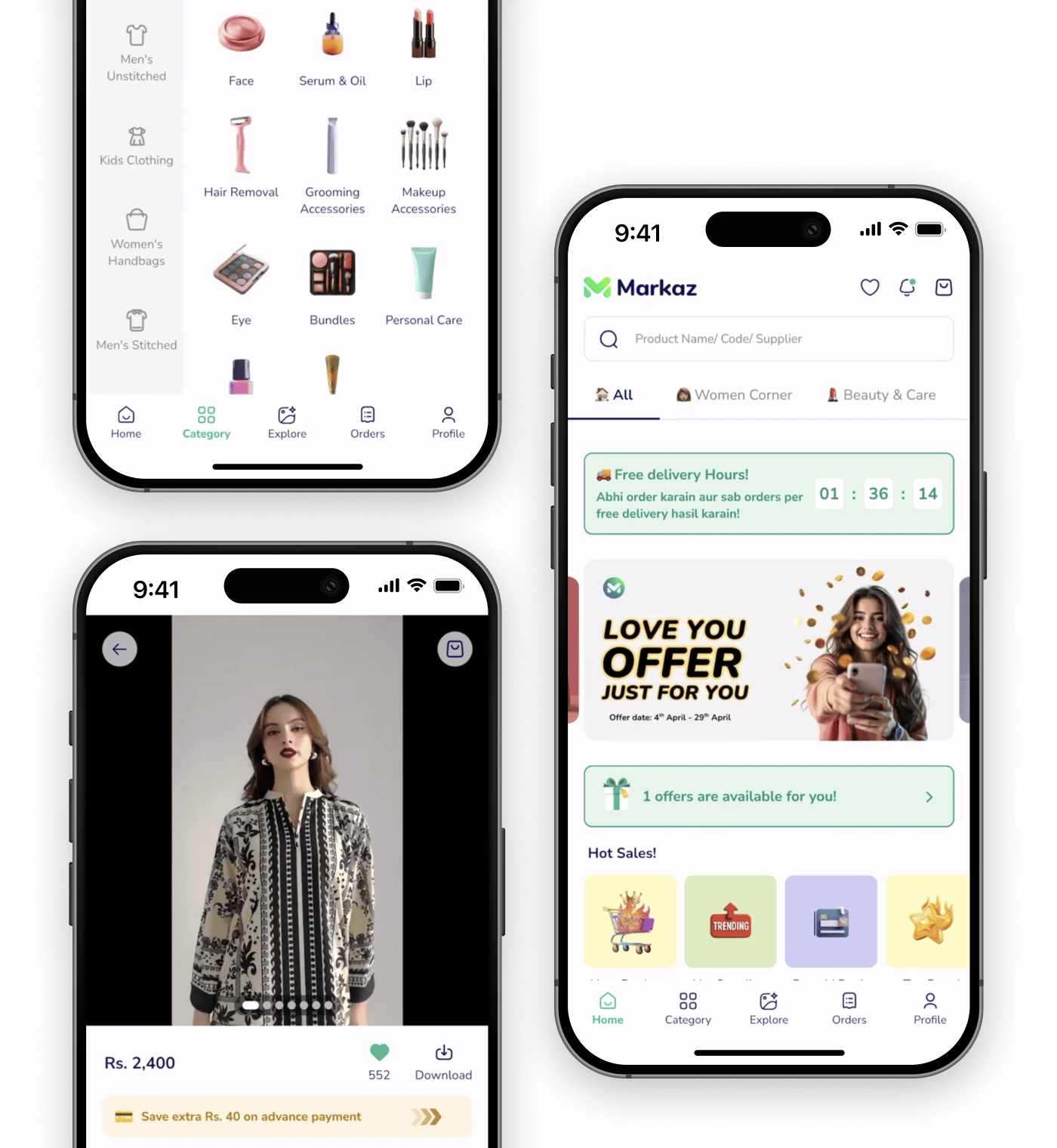
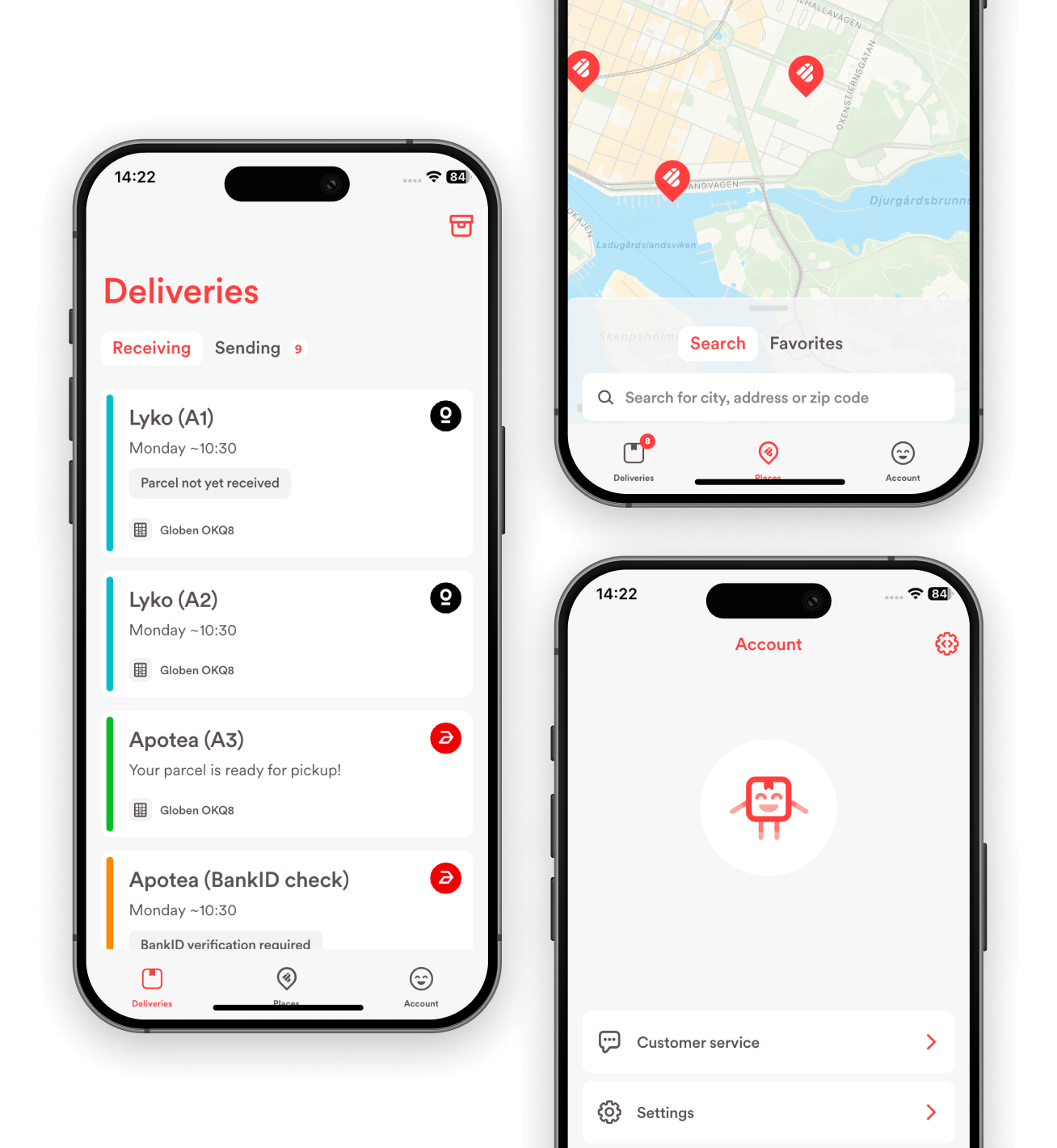
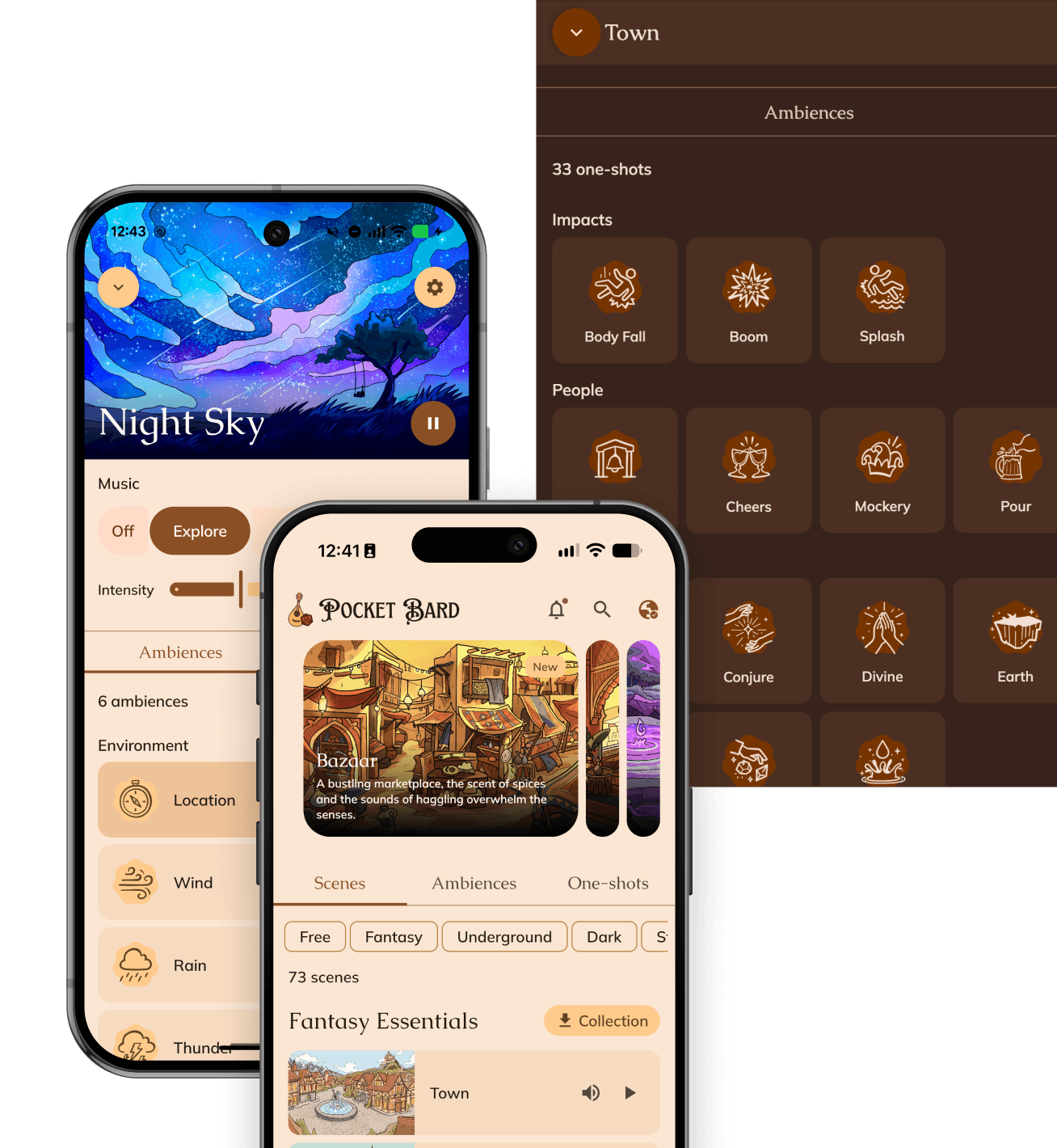
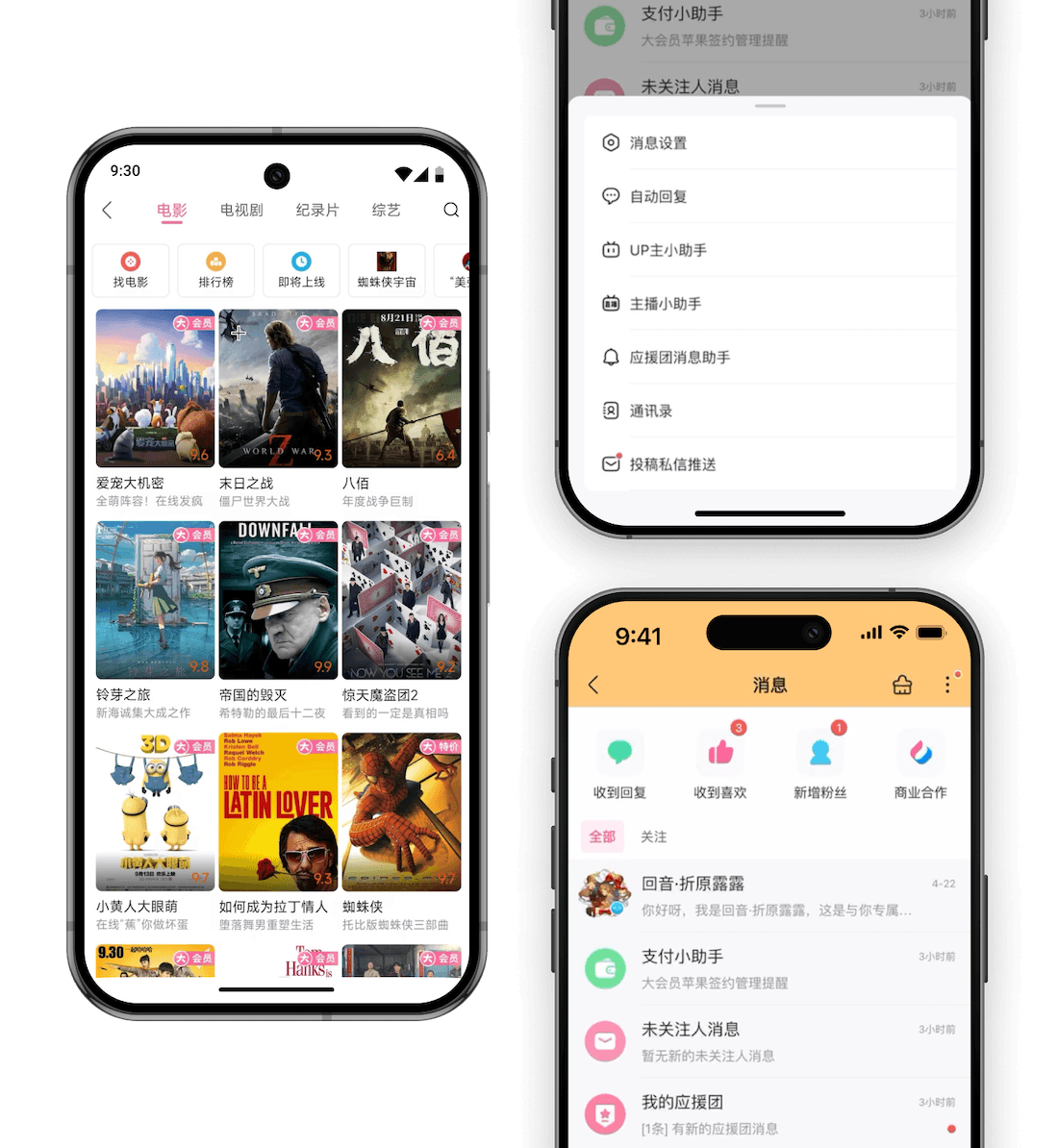
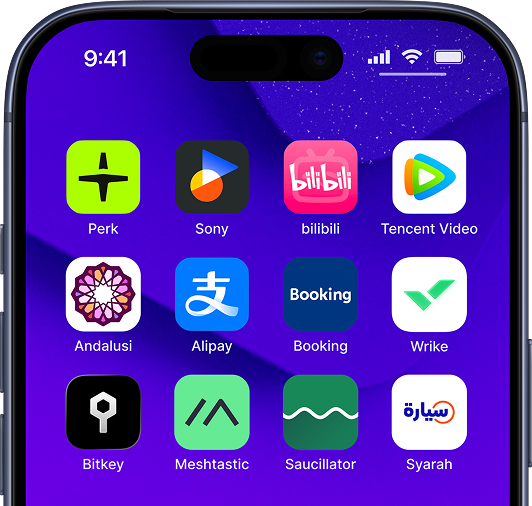
Production-ready for mobile and desktop
  • Perk
  • Sony
  • bilibili
  • Tencent Video
  • Andalusi
  • Alipay
  • Booking
  • Wrike
  • Bitkey
  • Meshtastic
  • Saucillator
  • Syarah
Perk, Sony, bilibili, Tencent Video, Andalusi, Alipay, Booking, Wrike, Bitkey, Meshtastic, Saucillator, Syarah
2×
more top 10K apps use Kotlin Multiplatform than a year ago
81%
of Kotlin Multiplatform developers use Compose Multiplatform
93%
of developers report a native-like experience with Compose Multiplatform on iOS

Native experiences

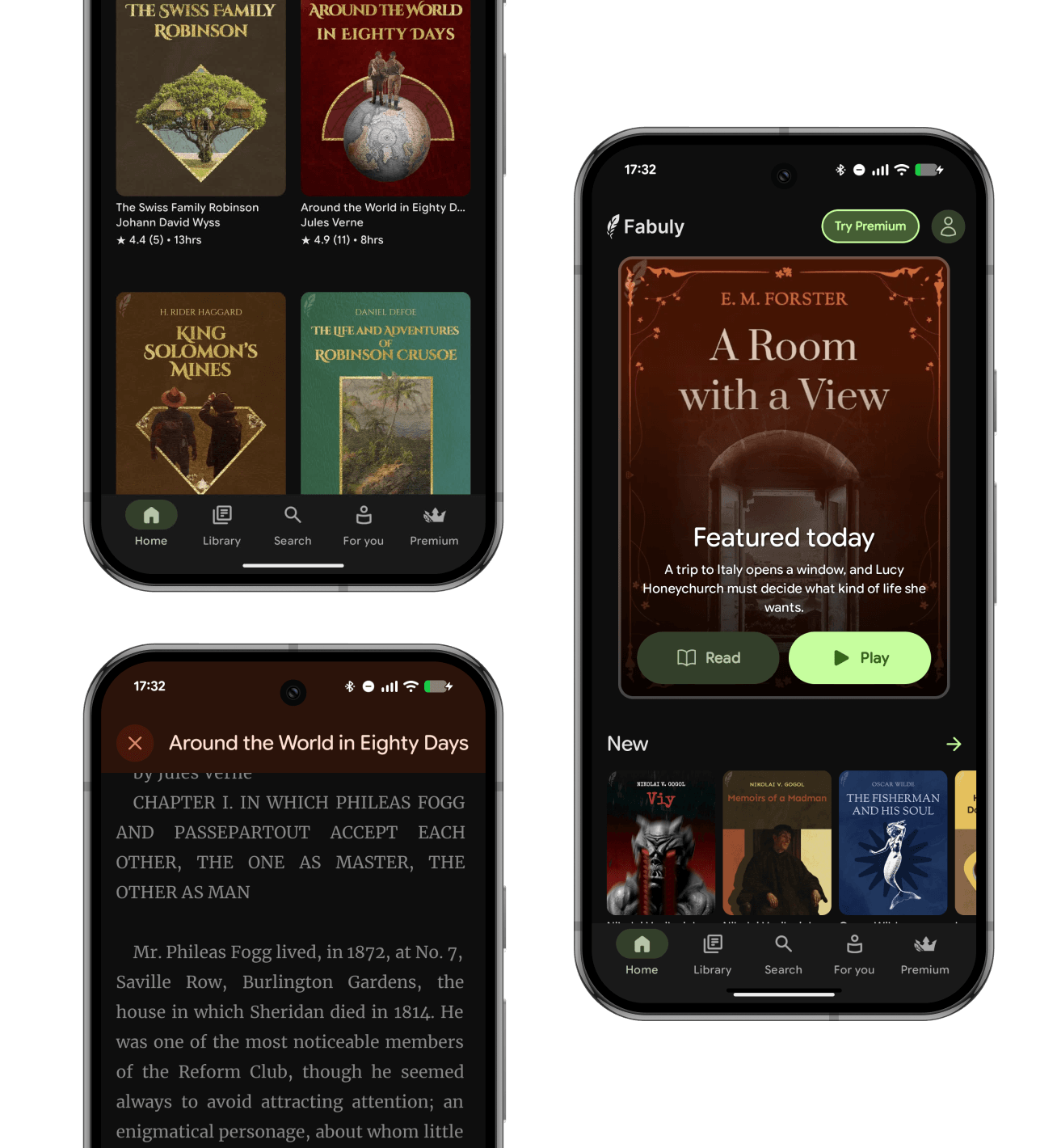
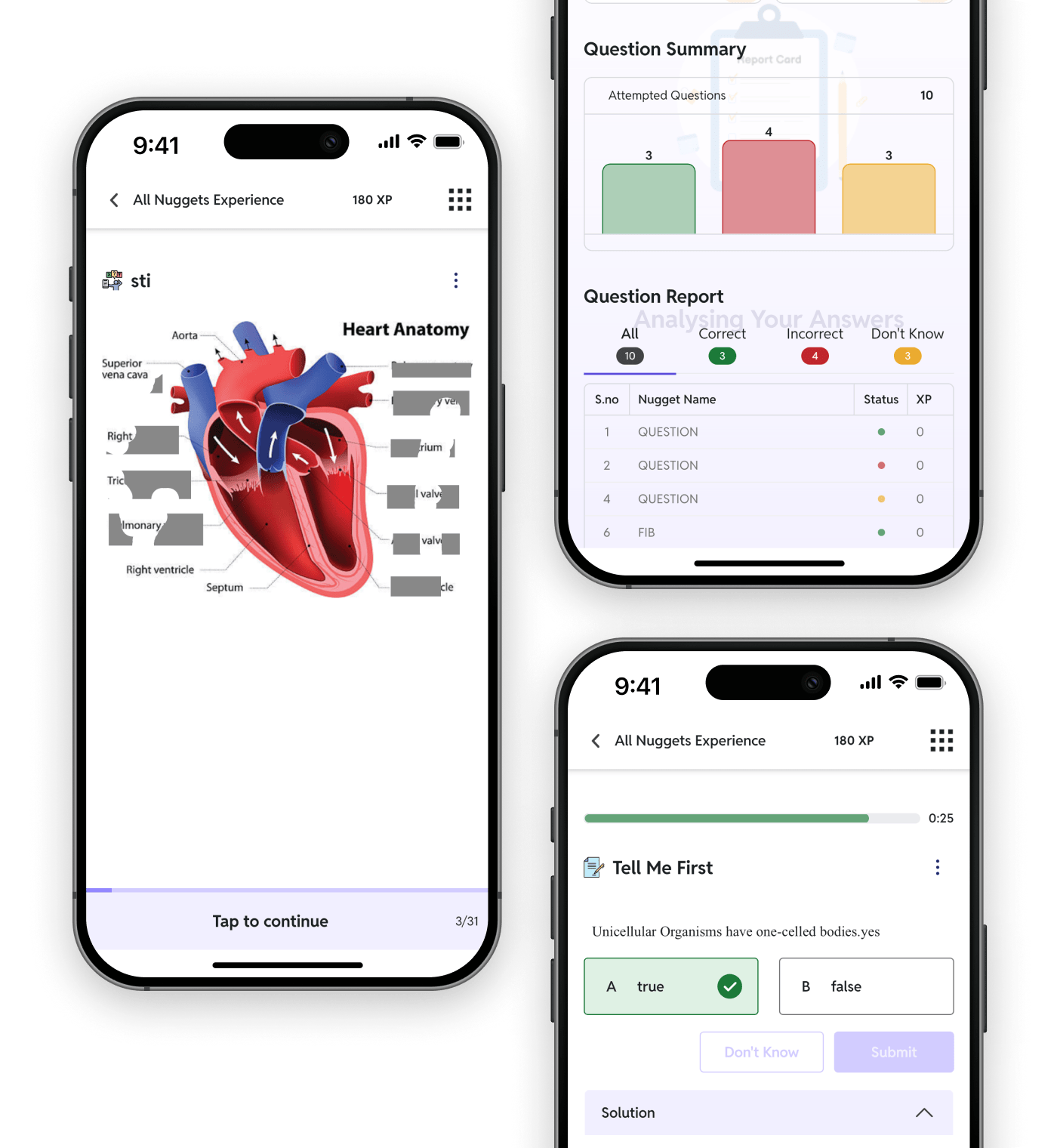
Feels like iOS because it is.
With Kotlin Multiplatform, you get:

  • Native scrolling
  • Native gestures
  • Native text editing
  • Native performance

Need camera, maps or platform APIs?

Access native APIs whenever you need them.

Gradual adoption

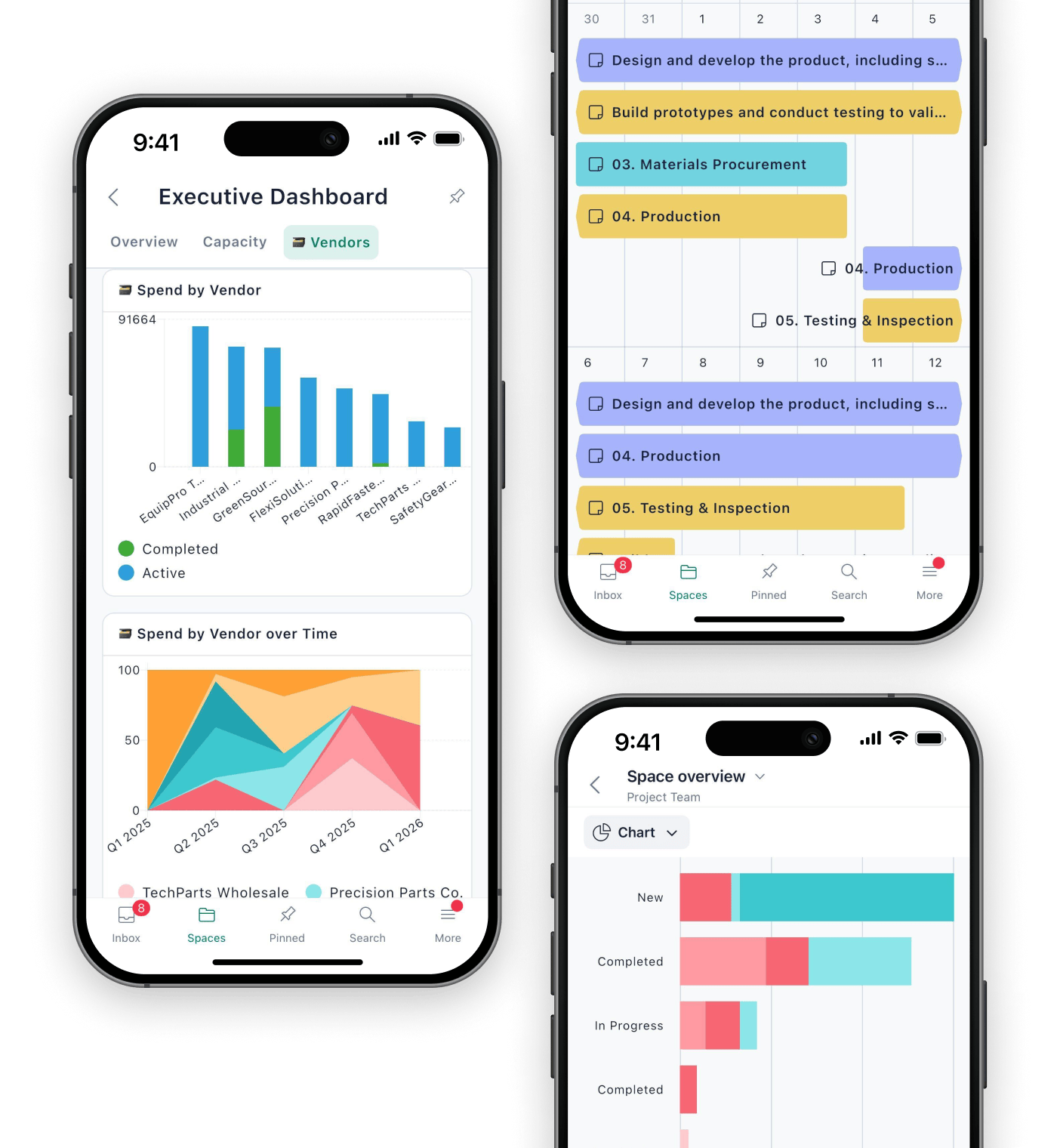
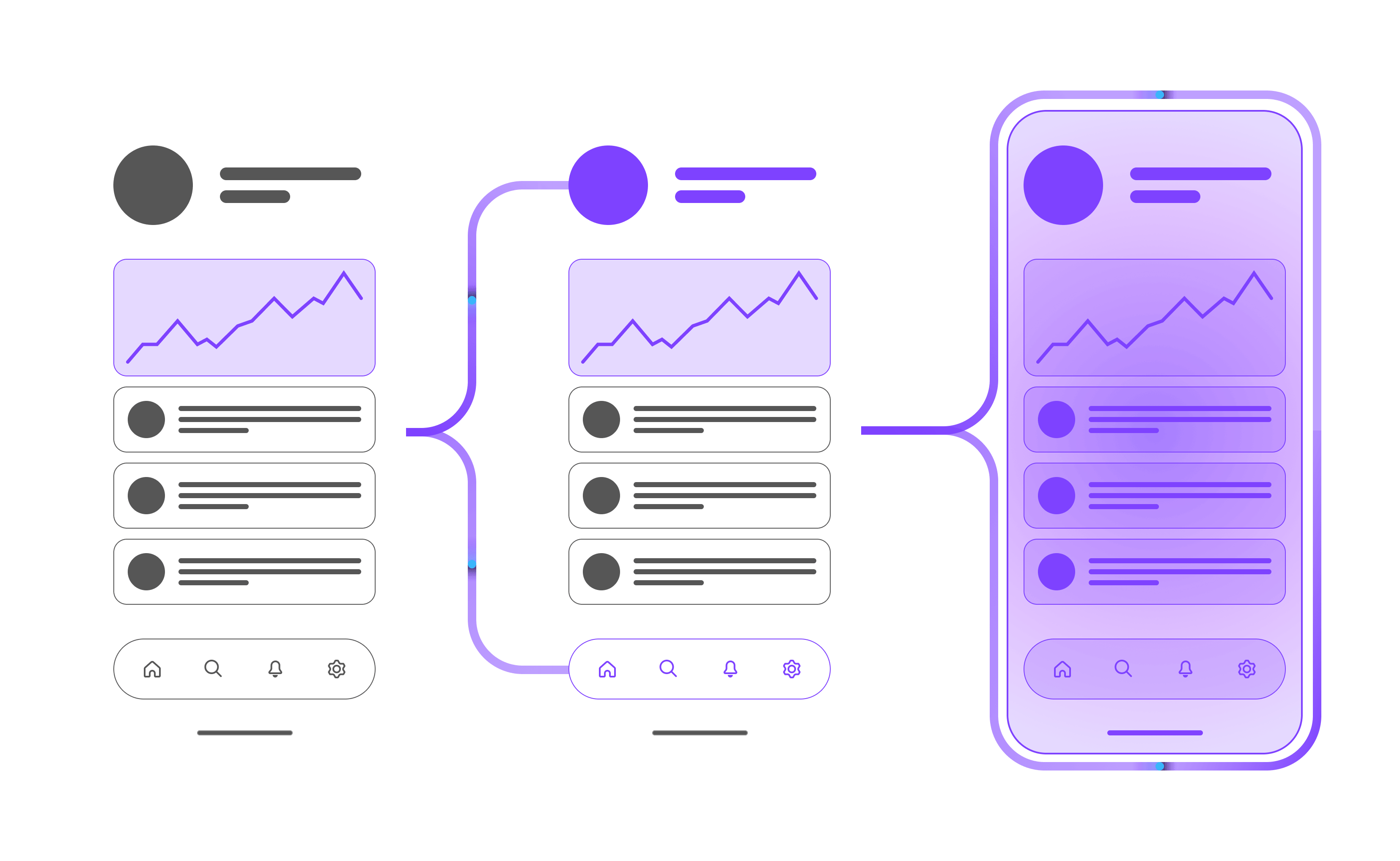
Start small or go all in without extra work – Compose Multiplatform fits into your existing app, whether you’re sharing one component, one screen, or the entire UI. Keep your existing SwiftUI, Android Views, or Swing code – there’s no need to rewrite anything. Learn from the experience of other companies.

An existing app adopting shared Compose Multiplatform UI one screen at a time

AI-powered code generation

Speed up your UI coding with coding agents. Compose Multiplatform shares its API with Jetpack Compose. As a result, LLMs are already well-trained, helping you generate UI components and complete screens faster than ever.

Hot reload

Tweak and preview your UI instantly without restarting on desktop with Compose Hot Reload, speeding up your development workflow.

Seamless tooling

The Kotlin Toolchain simplifies project setup, building, running, and testing across platforms for you and your coding agent. The Kotlin Multiplatform plugin for IntelliJ IDEA and Android Studio provides smart IDE support.

A thriving ecosystem

Leverage a rich set of production-ready Kotlin Multiplatform libraries, including official multiplatform Jetpack libraries. Join a growing community that’s shaping the future of cross-platform development.

Supported platforms

  • Android

    Modern Android development with Jetpack Compose plus the flexibility to share your UI across platforms.

  • iOS

    Bring Kotlin to iOS to build native apps with a familiar development experience and native performance.

  • Desktop

    Build powerful desktop apps for Windows, macOS, and Linux from one codebase.

  • Web

    Beta

    Bring your Compose UI to the browser with Kotlin and WebAssembly.

Try Compose Multiplatform

import androidx.compose.animation.animateColorAsState import androidx.compose.animation.core.* import androidx.compose.foundation.background import androidx.compose.foundation.layout.* import androidx.compose.foundation.shape.RoundedCornerShape import androidx.compose.material.MaterialTheme import androidx.compose.material.Surface import androidx.compose.material.Text import androidx.compose.material.darkColors import androidx.compose.runtime.* import androidx.compose.ui.Alignment import androidx.compose.ui.ExperimentalComposeUiApi import androidx.compose.ui.Modifier import androidx.compose.ui.draw.clip import androidx.compose.ui.graphics.Color import androidx.compose.ui.unit.dp import androidx.compose.ui.unit.sp import androidx.compose.ui.window.ComposeViewport import kotlinx.coroutines.delay import kotlin.time.Clock import kotlin.time.ExperimentalTime //sampleStart private val DarkClockColors = darkColors( background = Color(0xFF0F1115), surface = Color(0xFF1A1D24), primary = Color(0xFF6366F1), // Vibrant accent for the active number onPrimary = Color.White, onSurface = Color(0xFFE2E8F0) // Muted tone for inactive digits ) @OptIn(ExperimentalComposeUiApi::class) fun main() { ComposeViewport { MaterialTheme(colors = DarkClockColors) { Surface( modifier = Modifier.fillMaxSize(), color = MaterialTheme.colors.background ) { ClockScreen() } } } } data class Time(val hours: Int, val minutes: Int, val seconds: Int) @OptIn(ExperimentalTime::class) @Composable fun ClockScreen() { fun currentTime(): Time { val now = Clock.System.now() val epochSeconds = now.epochSeconds val secondsOfDay = (epochSeconds % 86400).toInt() val hours = (secondsOfDay / 3600) % 24 val minutes = (secondsOfDay % 3600) / 60 val seconds = secondsOfDay % 60 return Time( hours = hours, minutes = minutes, seconds = seconds, ) } var time by remember { mutableStateOf(currentTime()) } LaunchedEffect(Unit) { while (true) { time = currentTime() delay(1000) } } Clock(time) } @Composable fun Clock(time: Time) { Row( modifier = Modifier.fillMaxSize(), horizontalArrangement = Arrangement.Center, verticalAlignment = Alignment.CenterVertically, ) { val padding = Modifier.padding(horizontal = 4.dp) NumberColumn(time.hours / 10, 0..2, padding) NumberColumn(time.hours % 10, 0..9, padding) Spacer(Modifier.size(16.dp)) NumberColumn(time.minutes / 10, 0..5, padding) NumberColumn(time.minutes % 10, 0..9, padding) Spacer(Modifier.size(16.dp)) NumberColumn(time.seconds / 10, 0..5, padding) NumberColumn(time.seconds % 10, 0..9, padding) } } @Composable fun NumberColumn( current: Int, range: IntRange, modifier: Modifier = Modifier, ) { val size = 40.dp val mid = (range.last - range.first) / 2f val reset = current == range.first val offset by animateDpAsState( targetValue = size * (mid - current), animationSpec = if (reset) { spring( dampingRatio = Spring.DampingRatioLowBouncy, stiffness = Spring.StiffnessLow, ) } else { tween( durationMillis = 300, easing = LinearOutSlowInEasing, ) } ) Column( modifier .offset(y = offset) .clip(RoundedCornerShape(percent = 25)) ) { range.forEach { num -> Number(num == current, num, Modifier.size(size)) } } } @Composable fun Number(active: Boolean, value: Int, modifier: Modifier = Modifier) { val backgroundColor by animateColorAsState( if (active) MaterialTheme.colors.primary else MaterialTheme.colors.surface ) val textColor by animateColorAsState( if (active) MaterialTheme.colors.onPrimary else MaterialTheme.colors.onSurface.copy(alpha = 0.4f) ) Box( modifier = modifier.background(backgroundColor), contentAlignment = Alignment.Center, ) { Text( text = value.toString(), fontSize = 20.sp, color = textColor, ) } } //sampleEnd

FAQ

Compose Multiplatform is an open-source, declarative UI framework developed by JetBrains for building shared UIs across Android, iOS, desktop, and web with Kotlin. It’s powered by Kotlin Multiplatform and Jetpack Compose, so it uses APIs Android developers already know.
Jetpack Compose is Google’s UI framework for Android. Compose Multiplatform is JetBrains' declarative UI framework that extends it to iOS, desktop, and web, sharing most of the same API. On Android, Compose Multiplatform runs on Jetpack Compose directly, so your existing Compose skills and most of your existing code carry over to the other targets.
Yes. Android, iOS, and desktop are Stable and ready for production. Companies including Sony, Booking.com, and Perk use Compose Multiplatform for projects ranging from customer-facing apps to internal tools. Web support is in Beta – ready to try and build with, but still evolving.
Yes, Kotlin Multiplatform shares your business logic across platforms, and Compose Multiplatform shares your UI on top of it. You can also use Kotlin Multiplatform alone – many teams run it with a fully native UI on each platform, then adopt Compose Multiplatform when it makes sense.
Teams that write Kotlin and want a single UI codebase across Android, iOS, desktop, and web. It fits best when your app is mostly custom UI over shared business logic – dashboards, feeds, forms, commerce, internal tools – and when the same team owns more than one platform.
Yes, and you don't have to commit to all of it at once. A Compose screen embeds into UIKit, SwiftUI, Android Views, or Swing, so you can share a single component, one screen, or the whole UI while the rest of your app stays as it is.

Build your first app

Follow the guide to launch your first Compose Multiplatform app.

Get started