Switch Kotlin Multiplatform project from CocoaPods to SwiftPM dependencies with Junie
If you have a KMP module with CocoaPods dependencies and want to switch to Swift packages using SwiftPM import, you can use AI to help you. This guide shows how you can use Junie and Kotlin AI skills to make this process easier.
As with all AI tools, Junie can make mistakes. If you prefer to migrate manually, see Switch Kotlin Multiplatform project from CocoaPods to SwiftPM dependencies.
Set up Junie CLI
In the terminal, install Junie CLI:
Start the Junie CLI for the first time to log in with your JetBrains account or use an external LLM:
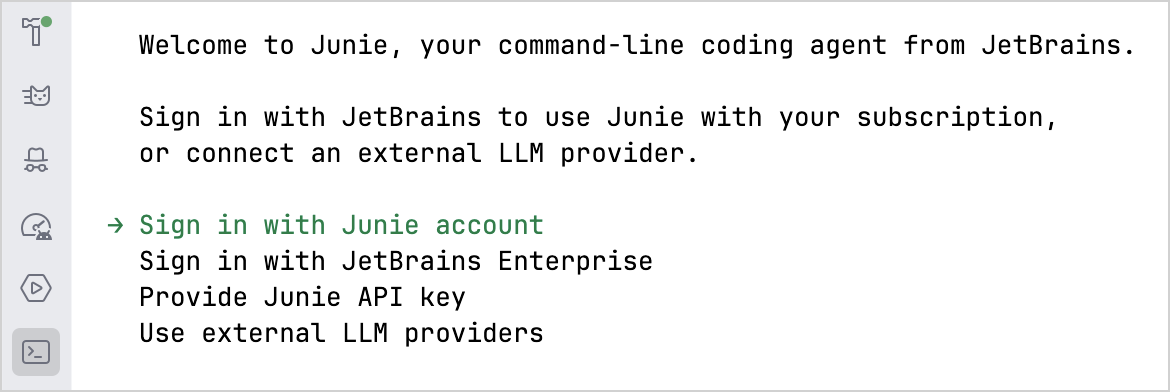
See Junie documentation to learn more about authentication options.
Install the AI skill
In the terminal, navigate to your project directory and install the corresponding Kotlin AI skill:
In the dialog, select the kotlin-tooling-cocoapods-spm-migration skill and Junie as the agent to install it for. When asked about the scope, select Project to limit the scope of the skill to your current project.
Start the migration
Before you begin, make sure that your project is using VCS, for example, Git. This is important so that you can review the changes from the initial state and after each iteration.
Open the terminal and navigate to your project directory.
Enter the following command to start Junie in interactive mode:
junieEnter the following prompt:
Migrate <project-name> from CocoaPods to SwiftPM
Junie recognizes that the skill you installed is appropriate for the task and starts the migration process.
Review and test the changes
Review all the changes made by Junie in the project git history. Use your Git client's side-by-side diff viewer to easily review the changes made. For example, in IntelliJ IDEA:
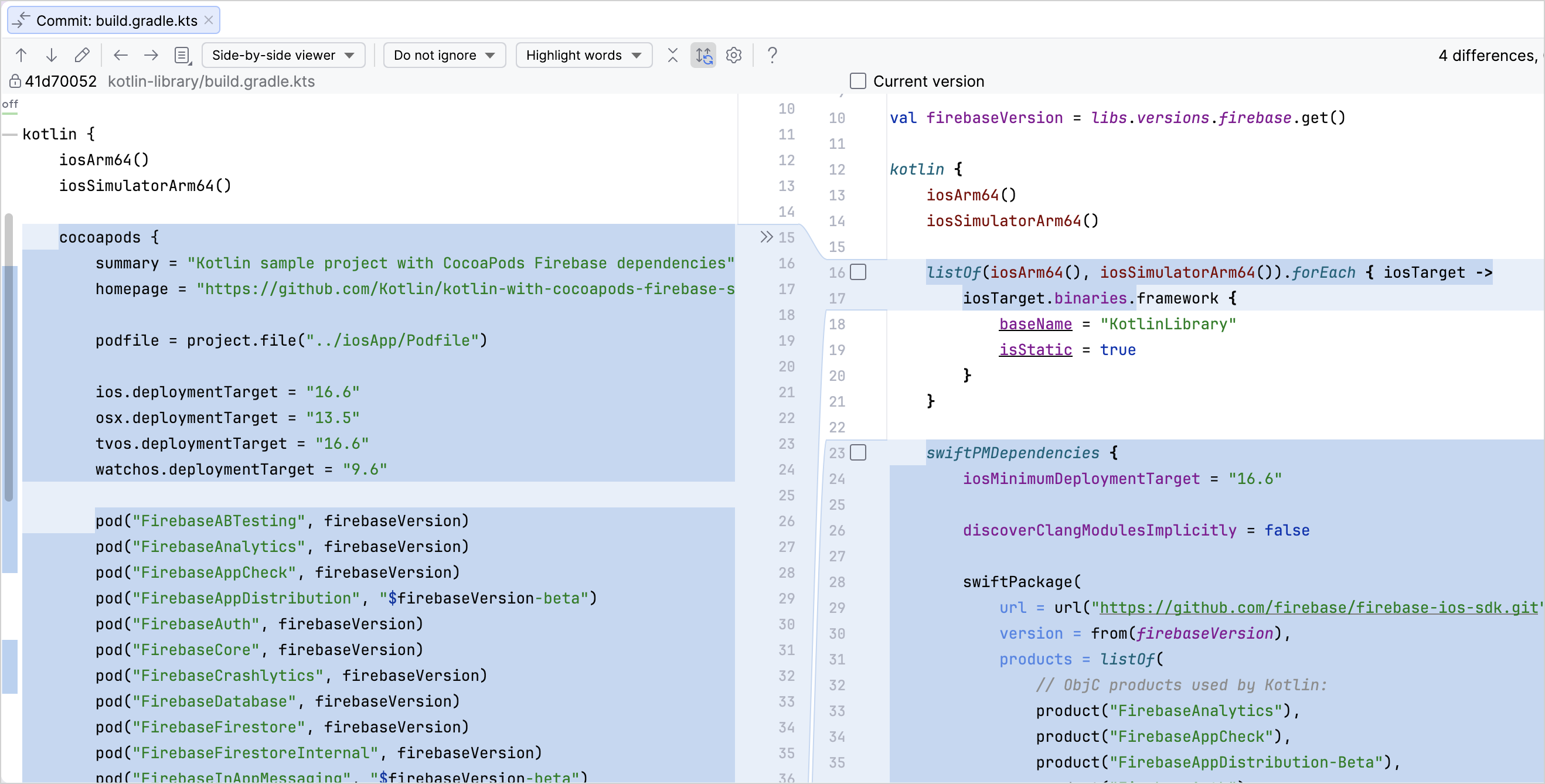
A successful migration modifies:
build.gradle.ktsfiles in the modules that depend on CocoaPods: thecocoapods {}blocks should be replaced withswiftPMDependencies {}blocks.Kotlin files that contain import directives referring to CocoaPods APIs replacing them with SwiftPM API imports
Test whether your project runs as it did before. If you encounter problems, inspect the error messages in the logs and ask Junie to resolve them. If you can't resolve the issues on your own, reach out in Slack for support.
What's next
Check out these sample projects which use CocoaPods in the
mainbranch and SwiftPM in thespm-importbranch:Learn about:
Explore the other Kotlin AI skills.