Display PDF files in a Compose Multiplatform app
You can use third-party libraries to display, edit, or generate PDFs in a Compose Multiplatform app. Platform support and version requirements may change over time, so check each library’s documentation for supported platforms and required Kotlin and Compose Multiplatform versions.
Choose an approach based on what users need to do with PDFs in your app:
To display existing PDFs, use a PDF viewer.
To create and edit PDFs, use a document engine.
To generate PDFs from app data, use a PDF generator.
For PDFs that users can open outside your Compose UI, use a platform viewer.
Display an existing PDF
To display an existing PDF, use a ready-made viewer or a document engine with a viewer component.
Add a PDF viewer
Nucleus PDF reader uses PDFium on Android, iOS, desktop, and web. It integrates through native binaries, or through a WebAssembly module running in a Web Worker on web.
To display a PDF that’s already loaded into memory, pass its bytes to the reader state and add PdfReader() to your layout:
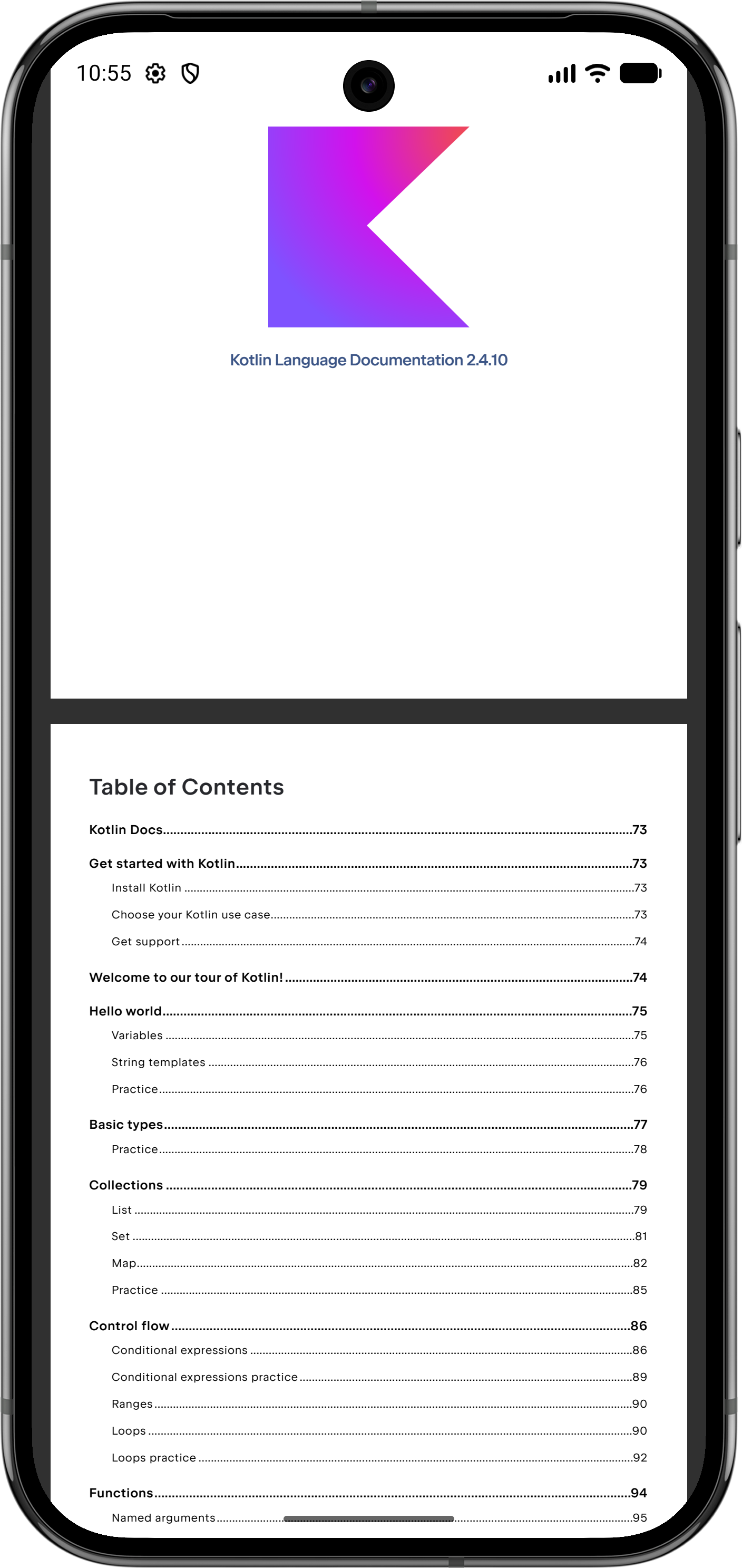
For more information, see the Nucleus PDF reader documentation.
Display a PDF with a document engine
KitePDF provides a document engine and Compose viewer for reading, creating, and editing PDFs. It supports Android, iOS, web, and desktop targets.
Open a PDF with PdfDocument.open(bytes), then pass the document to the viewer:
Available document inputs depend on the library version and target platform. For more information, see the KitePDF documentation.
Generate and display a PDF
PdfKmp can create PDFs from app data, such as recipes, invoices, or receipts. It supports Android, iOS, desktop, and web via Kotlin/Wasm.
The optional pdfkmp-viewer module embeds a Compose viewer on Android, iOS, and desktop. This viewer module is currently not available on web. For web apps, see the browser viewing and saving guidance.
The following example generates a PDF from app data and displays it with the Compose viewer:
For more information, see the PdfKmp viewer documentation.
Use a platform viewer
For PDFs that don’t require an embedded Compose viewer, use platform APIs to present, open, or share the document.
For example, a desktop app can open a saved PDF with java.awt.Desktop.open(). On mobile, use platform APIs to present or share the document, such as PDFKit on iOS or a file-sharing intent on Android. A web app can offer the PDF for the browser to open or download.
For platform-specific examples, see PdfKmp's save and share guide. These examples hand a document to platform APIs and do not require PdfKmp's Compose viewer.
What's next
Learn how to add dependencies on multiplatform libraries.
Learn how to work with multiplatform resources.